 MacroRecipe
1What you’re craving
Choose dishes you enjoy.
Enter your goal and preferences. Pick your dishes or let the Chef suggest a meal plan.
My dishesMy goalsMy preferences
Choose your dishes: MacroRecipe adapts the ingredients and quantities to your calories, macros and preferences. Find your recipes, meal plans and grocery list, ready for your next meal.
Available on iPhone
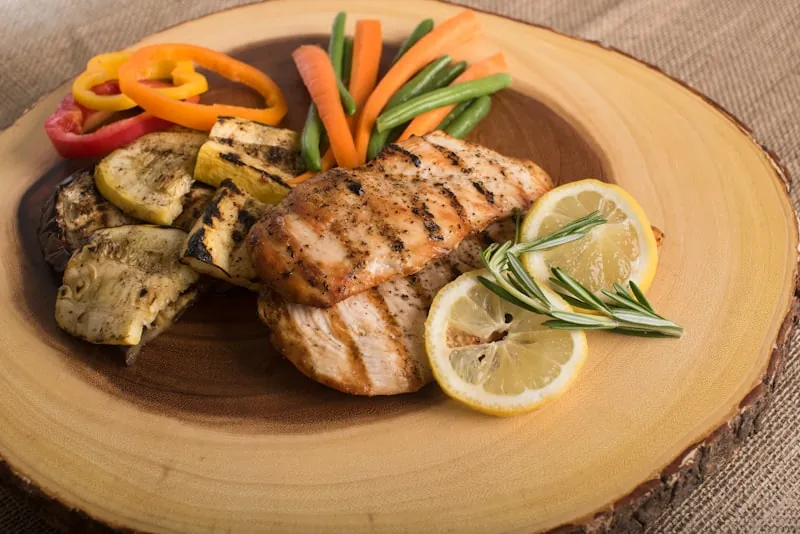 Chicken & vegetables
 Vegetable curry
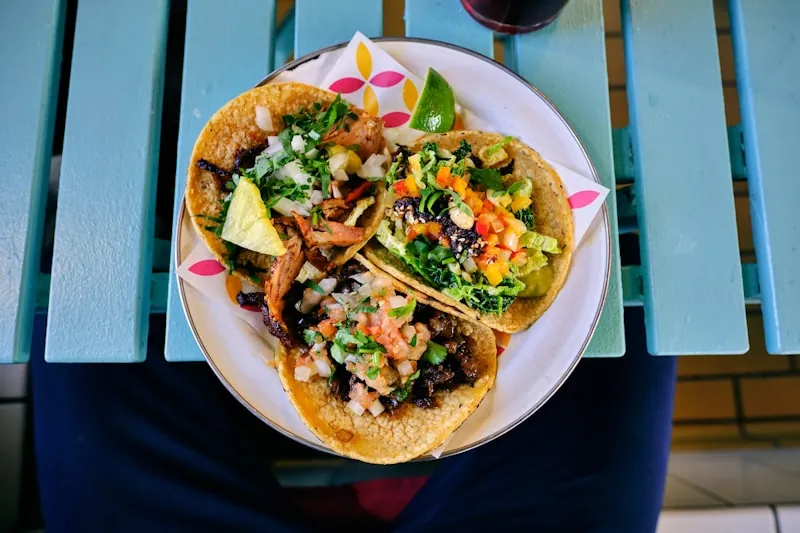 Tacos to share
Recipes adapted to your macros, with ingredient amounts and cooking steps. The app does the calculations for you.
Enter your goal and preferences. Pick your dishes or let the Chef suggest a meal plan.
MacroRecipe adjusts the ingredients and quantities to your targets. Each recipe brings together the ingredients, nutrition per person and preparation steps.
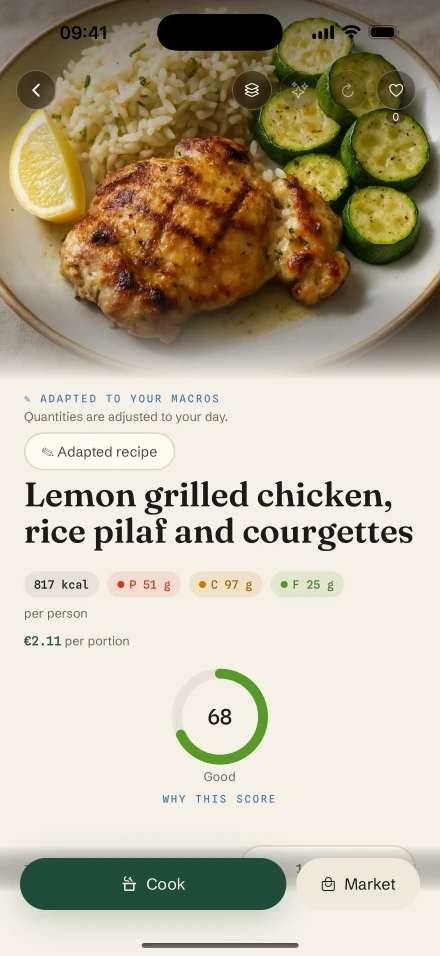
Ingredients are brought together in your grocery list. Follow the cooking steps, or prepare several servings ahead for your next meals.
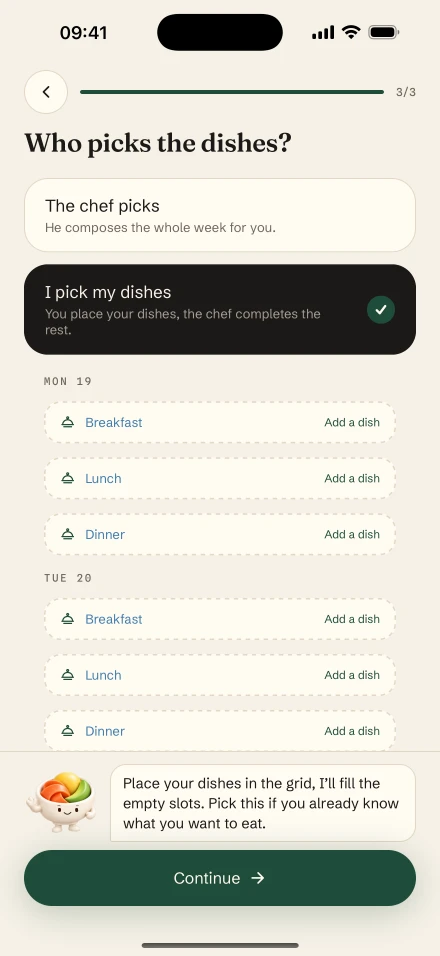
You choose the dishes. The Chef can suggest them too.
Cutting, bulking, maintenance or your own macros: the same idea, with recipes adapted to your targets.
Your calorie and protein targets set the framework. The app adapts your chosen dishes to help you organize your meals during a cut.
Go from calorie and protein targets to a personalized meal plan. MacroRecipe adapts the recipes and the quantities to prepare.

Explore different cuisines, keep your favorite dishes and plan your meals. Maintenance and balanced eating goals are also available in the app.
Enter your calories, protein, carbs and fat. MacroRecipe uses these targets to adapt your recipes and build your meal plans.
Choose for yourself, take inspiration from a meal plan or let the Chef suggest dishes. The app handles recipe adaptation.
Search for a dish, explore a cuisine or adopt a ready-made meal plan. Programs also offer a framework to follow over several weeks.
Start with a link or photo. Review your imported, adapted recipe, then save it to find it again.
Let the Chef choose dishes based on your preferences. You can also request a recipe adjustment, then decide whether to apply it.
Preparing ahead can be part of your cut, your bulk or your usual weekly routine.
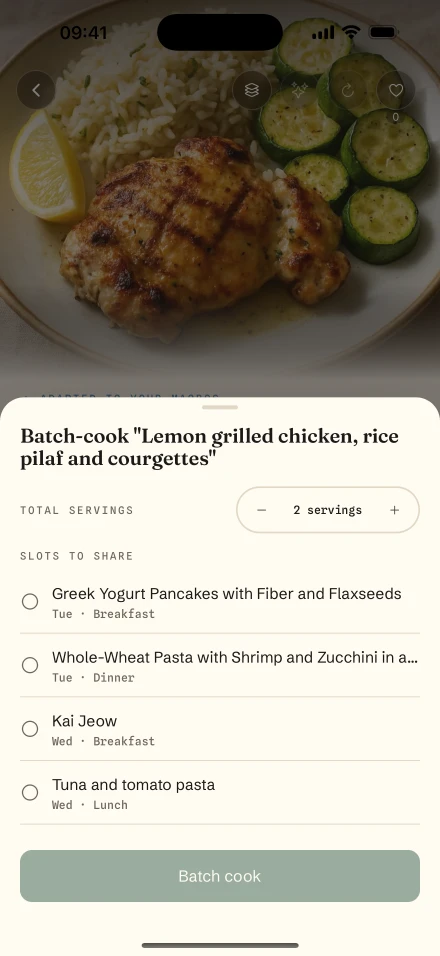
With “Cook in batches”, prepare several servings of a recipe from your meal plan and divide them among the meals you choose.
Your classics, a different cuisine or something plant-based: choose your dishes. The app adapts the recipes to your goals and preferences.
Lunch or dinnerPlant-based inspiration for your meal plan.
A classicA dish to plan into your week.
To shareYour tastes keep their place in your meal plan.
BreakfastPlan your mornings too.
 A different cuisine
Flavors to explore whenever you feel like it.
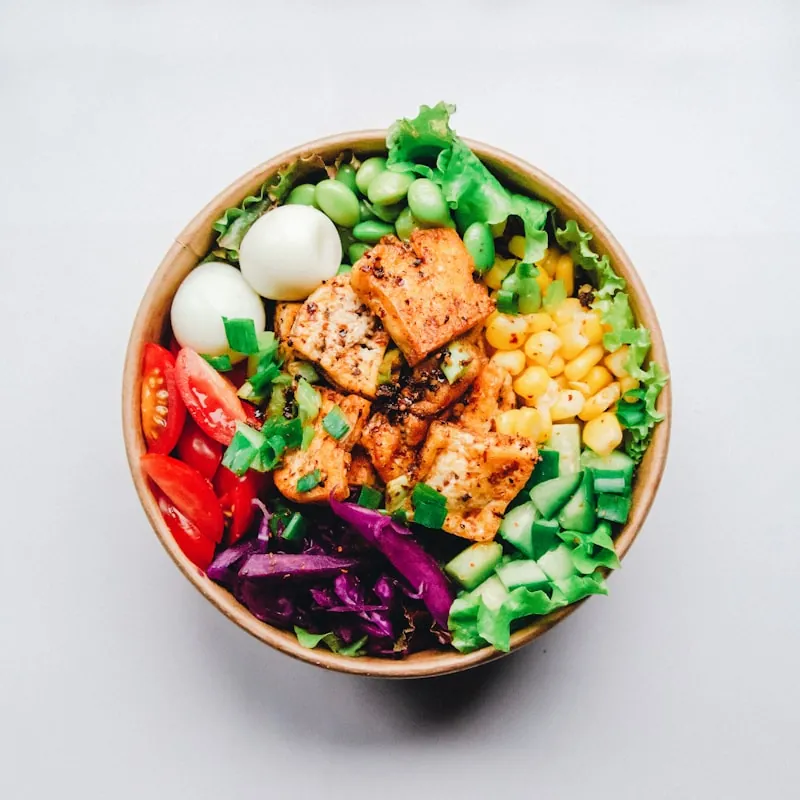
Illustrative photos. A dish’s nutrition depends on its ingredients and your quantities.
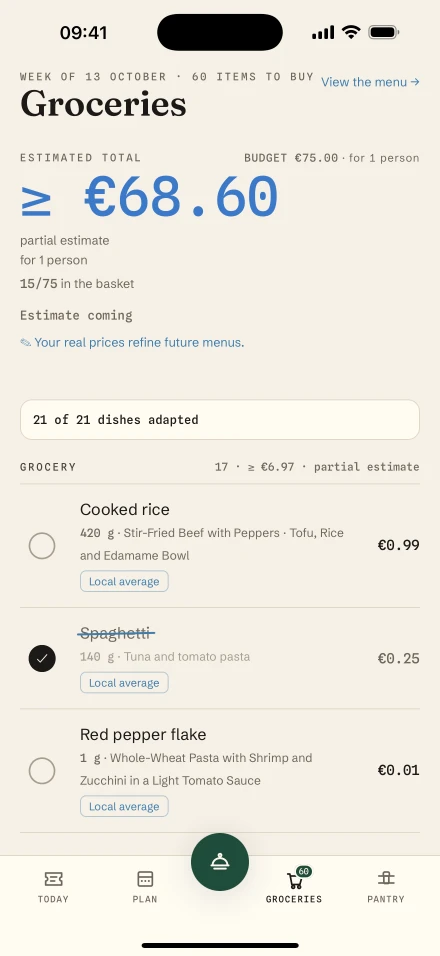
Find your meal plan’s ingredients by aisle, with the quantities you need. Check your pantry, tick off purchases and add anything you’re missing. Displayed prices are estimates, sometimes incomplete; you can enter the prices you actually paid.
Browse all topicsExample checklist
Add products manually or from a photo, check the quantities and see what you have before shopping.
Adapted ingredients, steps and timers guide you through preparation. Pick up where you left off in the recipe.
View planned nutrition and report the meals you’ve eaten. Your daily score and review help you take stock of your eating habits.
How to get started, choose your dishes and organize your meals with MacroRecipe.
No. MacroRecipe suggests calorie and macro targets based on your profile and goal. You can change these estimates or enter your own targets.
MacroRecipe can adjust ingredients and their quantities to your nutrition targets and preferences, while aiming to keep the spirit of the dish. You’ll then find the quantities, nutrition information and steps in your adapted recipe.
Yes. You can choose your dishes, let the Chef suggest them or replace a dish in your meal plan. You can also start from an existing meal plan or import a recipe using a link or photo.
Yes. These goals are available, along with maintenance and balanced eating. The app uses your targets to adapt your recipes; physical results depend on your situation and habits.
Yes. The premium “Cook in batches” feature lets you prepare several servings of a recipe from your meal plan and divide them among planned meals. Meal prep can fit any of your goals.
Yes. Adjust the number of servings to prepare. This scales up the adapted recipe; it does not create a separate nutrition profile for each person.
Prices are estimates, sometimes incomplete. Your store, products and pack sizes affect the actual price. You can enter the prices you paid in your grocery list.
Available offers and their terms are shown in the app and on its App Store listing. Some features require an account or subscription.
Choose your dishes. Find your adapted recipes and prepare your next meals.
Explore MacroRecipe on the App StoreAvailable on iPhone. See offers and their terms in the app.